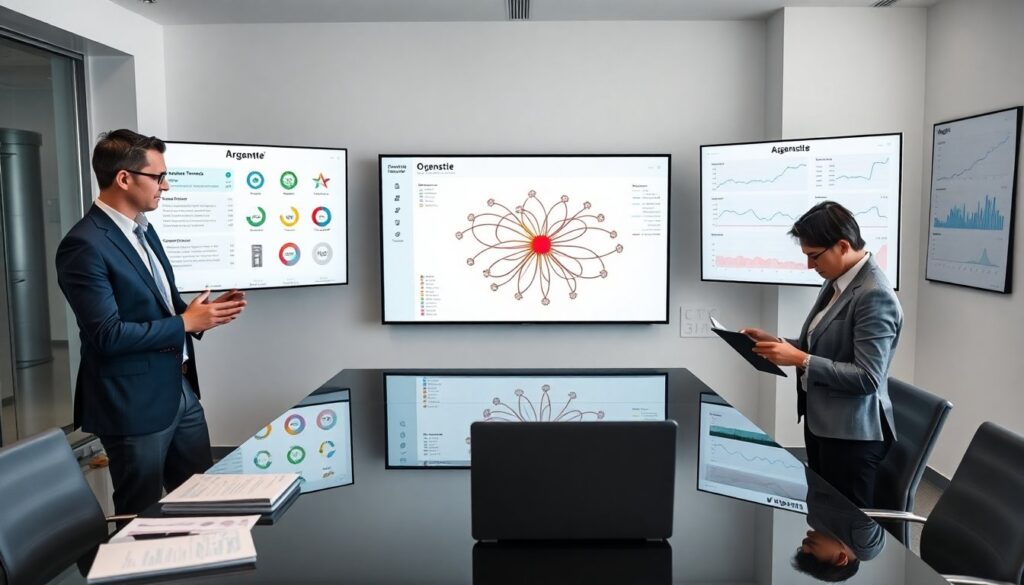

ArgentState.com sample pages give teams quick, clear starting points for websites. They show layouts, copy patterns, and conversion elements. Teams can copy sections, swap assets, and test calls to action. Designers can reuse grid rules and spacing. Marketers can test headlines and offers. Developers can export components and speed deployment. This article explains each template and how teams should apply them in 2026.
Key Takeaways
- ArgentState.com sample pages offer ready-to-use website templates designed to speed up development for businesses, agencies, and freelancers.
- The homepage sample emphasizes a clear flow with hero headlines, multiple CTAs, benefit blocks, social proof, and strong conversion elements like persistent CTAs.
- Product pages structure content around clear titles, user-focused benefits, detailed features, pricing tiers, FAQs, and real use case metrics to build trust and increase conversions.
- About page templates highlight company story, leadership bios with achievements, partner logos, milestones, and testimonials to establish credibility and human connection.
- Contact and lead capture samples feature concise forms with privacy notes, localized content, and action-oriented CTAs optimized through ongoing A/B testing for improved conversions.
- Blog listing samples focus on SEO best practices including optimized titles, structured data, internal linking, read time, author bylines, and social share options to enhance visibility and engagement.
What ArgentState.com Sample Pages Offer And Who Should Use Them
ArgentState.com sample pages provide ready templates for common website needs. The templates include a homepage, product page, about page, contact form, blog listing, and lead capture flows. Teams receive layout guidelines, recommended copy blocks, and suggested image placements. Small businesses use the pages to launch quickly. Agencies use the pages to prototype client sites. Freelancers use the pages to reduce scope creep and speed approvals. Each template follows standard UX patterns and mobile-first CSS rules. The pages use clear hierarchy and conversion-focused elements to reduce guesswork for teams that need reliable results fast.
Homepage Sample: Layout, Core Sections, And Conversion Hooks
The homepage sample shows a clear top-to-bottom flow. It opens with a hero headline, brief subhead, and primary call to action. Below the hero, the sample adds three core value blocks with short benefit statements and icons. The layout includes social proof, a feature row with visuals, and a short how-it-works section. The sample places a persistent CTA in the header and a second CTA near the middle. The footer includes contact links, policy links, and a newsletter sign-up. Teams should test two hero headlines and two CTA colors to find the best conversion mix.
Product Or Service Page Sample: Structuring Benefits, Features, And Pricing
The product sample starts with a clear product title and a concise one-line value statement. It follows with a short benefits list written for the target user persona. The features section lists specific attributes with short examples of outcomes. The sample includes a pricing table that shows three tiers and a recommended option highlighted visually. The page adds a FAQ section that answers common objections in plain language. The sample ends with a secondary CTA and links to case studies. Teams should show exact use cases and one real performance metric to increase trust.
About Page Sample: Crafting Your Story And Trust Signals
The about page sample puts people first. It opens with a clear mission sentence and a short origin story with dates and milestones. The sample lists leadership bios with headshots and one-line credentials. The page adds logos of partners and media mentions for credibility. The template includes a timeline of product or company milestones and a section for customer testimonials with short quotes and names. The page ends with a clear link to open roles or contact. Teams should keep bios concise and include one measurable achievement for each leader.
Contact And Lead Capture Sample: Forms, CTAs, And Localization Tips
The contact sample provides a short form, direct phone link, and an email alias. The form asks for name, email, company, and one short inquiry field. The sample includes a visible privacy note and expected response time. The template adds location-specific copy and local phone numbers when the business serves multiple regions. The sample uses progressive disclosure for long intake forms to reduce drop-off. The CTA buttons use clear action words like Get Started and Request Demo. Teams should track form conversions and AB test the primary CTA label every month.
Blog/Listings Sample: Organizing Content, SEO Elements, And Templates
The blog sample shows a category landing, list items, and article templates. Each list item uses a descriptive title, short summary, and clear read time. The article template starts with a focused H1, an intro paragraph, and three subheadings that break the content into scannable blocks. The sample embeds internal links to category pages and related posts. It includes a structured data sample for articles and outlines recommended meta title and meta description lengths. Teams should add a featured image and author byline to each post. The sample also provides a short social share block to increase distribution.